
Product Description
Output Formats
-
If "RS232" output format is selected, the SmartCable will have a part number starting with '200-,' and serial output
-
If "USB" is selected, the SmartCable will have a part number starting with '600-,' and will have USB output
-
If "Keyboard" is selected, the SmartCable will have a part number starting with '600-,' and the capability to enter data directly into Excel or any other spreadsheet program as if it were manually entered via keyboard
NOTE: Contact us with Specific Device Information Before Placing Order
Product Information
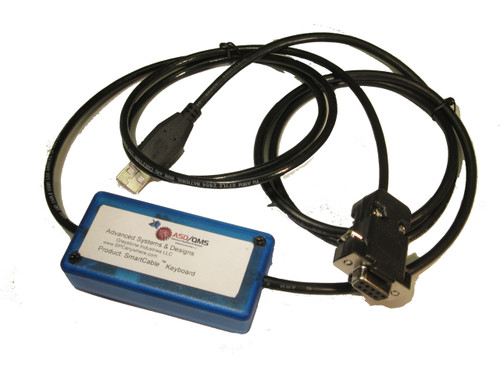
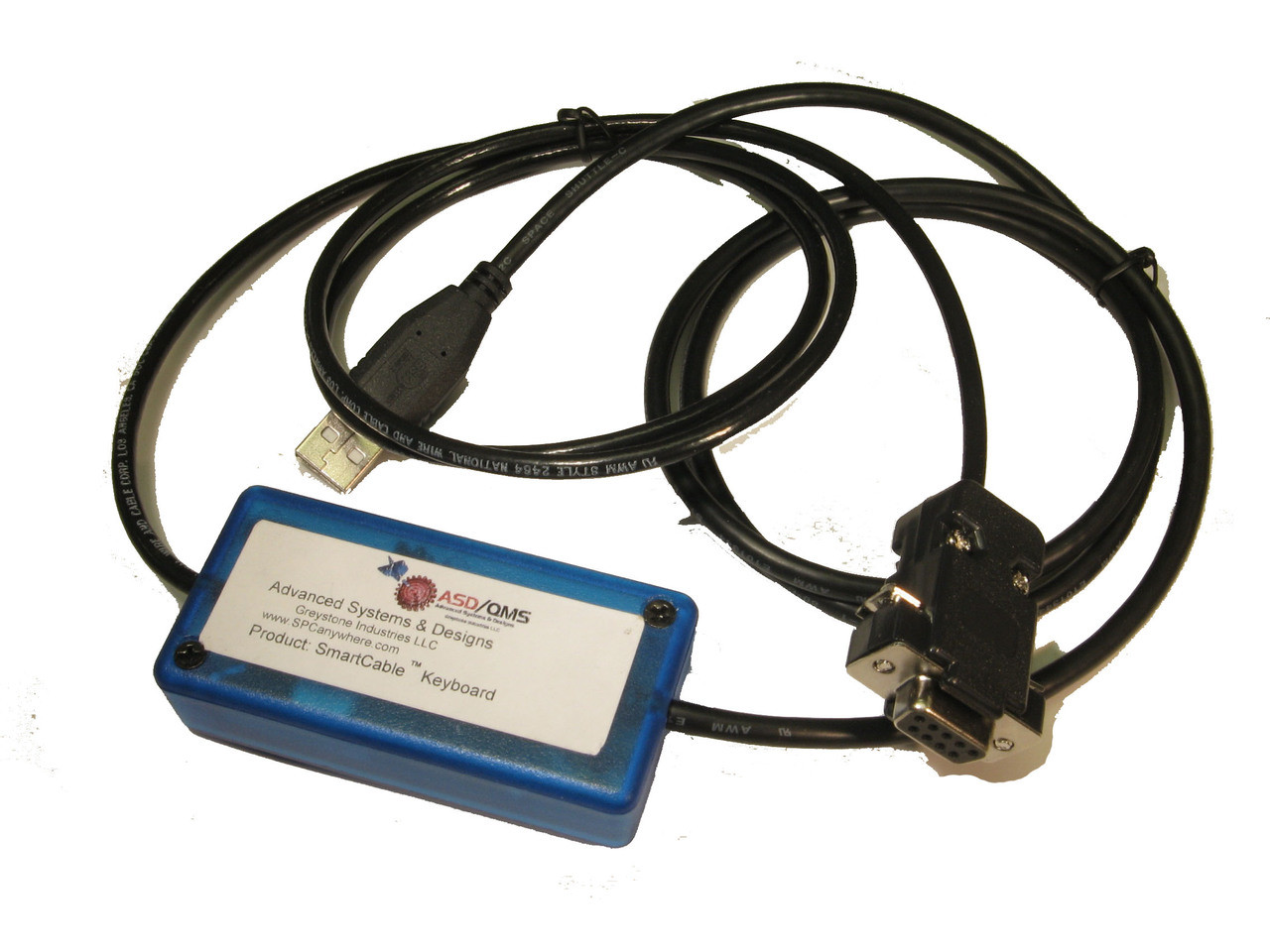
Simplify your data acquisition system. The Advanced Systems & Designs SmartCable line of single input gage interfaces converts the output of any manufacturers gage into standard RS232 or USB format for use in any SPC Data Collection system, or Keyboard output for use in MS Excel or any other web based spread sheet program.
The SmartCable gage interface quickly configures itself. Advanced Systems & Designs has made it easy to connect calipers, micrometers, indicators, and countless other gages of hundreds of brands directly to PCs or Mitutoyo compatible devices. Readings are triggered using the gage's send button, button on cable, an external footswitch (connected via external footswitch jack) or host request. The SmartCable gage interface is designed with the harsh shop-floor environment in mind and employs an advanced micro-controller.
The USB keyboard output with its built-in keyboard wedge is ideal for data collection in all Windows programs when a software wedge is not practical to use - with USB keyboard output, your data will be entered directly into MS Excel (or any other web-based spreadsheet program, wherever the cursor is located) and appear as if it was entered using a standard keyboard, eliminating manual data entry errors.
The SmartCable adds functionality to virtually any existing gage by allowing data collection in either static mode (instantaneous reading) or dynamic mode (MIN/MAX/TIR). Requiring no external power supply, the SmartCable gets its power via the computer's USB COM port or Mitutoyo compatible systems, making it ideal for portable (roving) data collection.
SmartCable Easily Connects Devices to a PC via...
-
USB 2.0
-
Standard ASCII Port
-
Mitutoyo DP1, DP3, DP7 and Mux 10
-
Mitutoyo Digimatic Compatible devices
FEATURES:
Dimensions:
- 1 1/2" x 4 1/4" x 1"
- USB Version: 1" x 2" x 1/2"
Output Specifications:
- USB-RS232 OutputL 9600, 8, N, 1.
- ASCII text string in three formats - reading only, full output or Mitutoyo
Example Output Data:
- +1.004001, +2.4321,NRM, 0101A+1.2345
Operating Modes:
- Conintuous Output Mode
- Host Commands
- Upgradeable with Flash Utility
Special Features:
- Simple plug and play setup - doesn't require software configuration
- Operating modes: Static (Normal) mode operation or Dynamic (MIN/MAX/TIR)
- Footswitch input, LED status light, host command operation and set up
- Low power (draws power from the PC or most Mitutoyo devices)
- NO SOFTWARE WEDGE required
- Configure using internal rotary switches or commands stored in memory
- Access built-in setup menus using any terminal program such as HyperTerminal (we also include our ASDQMS Terminal program)
- Configure baud rate, parity, stop bits, data delimiter, select field in string, and request command for device
- USB and RS232 Gage Scanning rates up to 38700 Kbps